
Website ADA Compliance Checker: Designing for Hearing Impairments
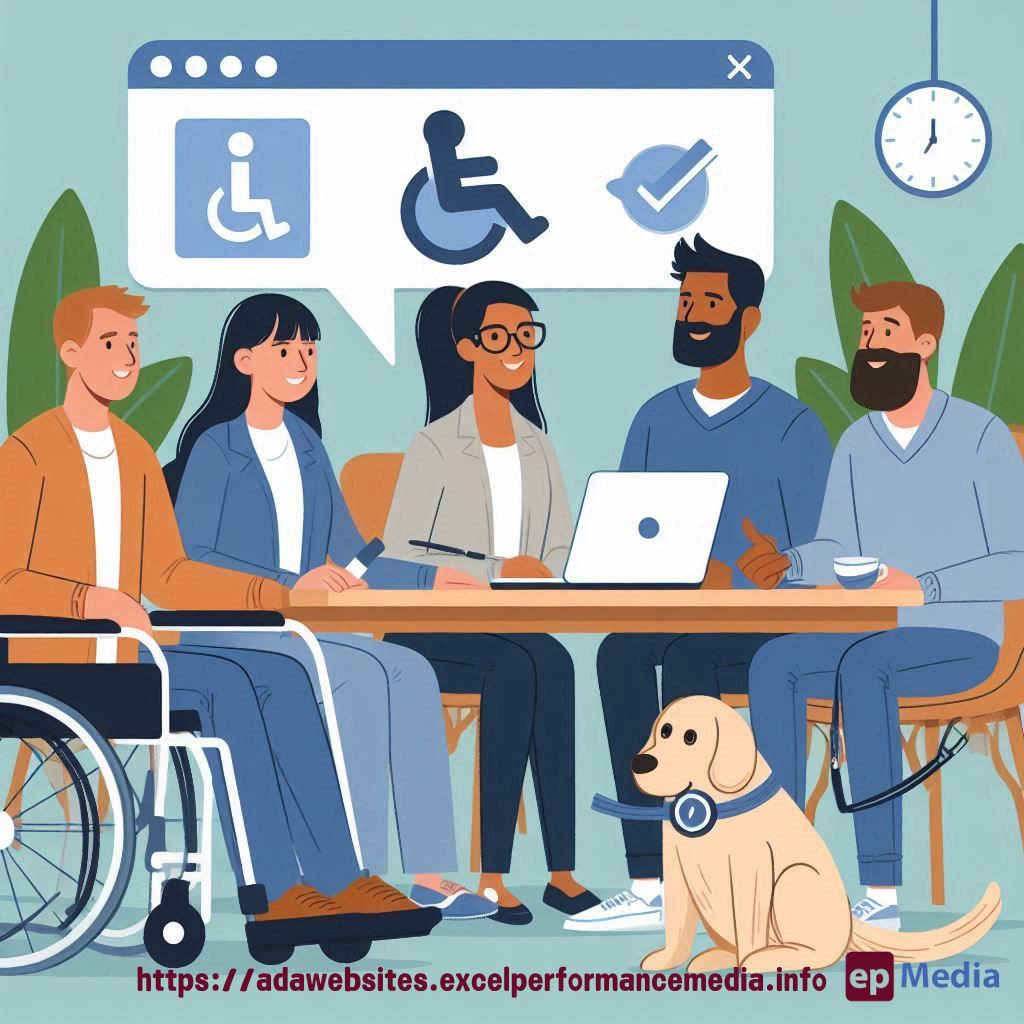
Ever thought about how your website sounds to someone who can’t hear it? Yeah, I mean it. If you’re serious about your site being fully inclusive, you’ve got to think about those with hearing impairments too. And that’s where the magic of a Website ADA Compliance Checker comes into play.
You might be asking, “What does hearing have to do with websites anyway?” Good question. It’s all about making sure everyone, and I mean everyone, can access and enjoy your content. So let’s dive in.
Understanding the Basics: Why Hearing Impairments Matter
Most of the time, people think of website accessibility as a visual thing – text size, contrast, and that sort of stuff. But what about audio?
Imagine trying to navigate a site where videos don’t have subtitles or where important audio cues are left out. Frustrating, right? That’s what millions of people with hearing impairments face daily.
Here’s the deal:
- Not everyone experiences the web the same way. While some people can hear every beep and sound cue, others rely on visual or text-based alternatives.
- Leaving out these alternatives is like closing the door on a huge chunk of your audience.
So, if you want to make sure your site is accessible, you need to think beyond the visuals.
Using a Website ADA Compliance Checker: Your First Line of Defence
Now, onto the tool that’s going to be your new best friend—the Website ADA Compliance Checker.
This handy tool runs through your website and points out all the ways you might be unintentionally excluding people with disabilities, including those with hearing impairments.
But how does it do that?
It’s simple:
- The checker scans your site for things like videos, podcasts, or any other media that might need captions or transcripts.
- It looks for alternative text that describes what’s happening in those videos for folks who can’t hear the audio.
- And, it also checks if your site structure supports easy navigation for everyone, especially those who might rely on screen readers or other assistive tech.
Basically, it’s like having a mini accessibility expert on call, ready to point out what you’ve missed.
Designing with Hearing Impairments in Mind: Quick Tips
But wait, there’s more! Running the checker is just the beginning. Here’s what you should be doing to ensure your website is fully accessible:
- Add Captions and Transcripts: Every video or audio file on your site needs a written alternative. That means captions for videos and transcripts for audio. Easy to overlook, but crucial.
- Use Visual Indicators: Instead of relying solely on sound to signal an action (like a notification beep), use visual cues. Think pop-up messages, highlighted buttons, or animation.
- Check Colour Contrast: This might seem unrelated, but it’s part of the bigger picture. High contrast helps everyone, including those who might struggle to see well. And, since we’re talking about being inclusive, why not cover all bases?
These tips aren’t just about compliance – they’re about creating a site that everyone can enjoy.
Real Talk: Why This Matters
Look, at the end of the day, accessibility isn’t just a legal requirement. It’s the right thing to do. Think of it as customer service. You wouldn’t ignore someone walking into your shop, right? So don’t ignore people trying to use your website.
A Website ADA Compliance Checker gives you the roadmap in terms of ADA compliance for websites, but it’s up to you to take action.
FAQs
Why is a Website ADA Compliance Checker important?
A Website ADA Compliance Checker is crucial because it helps ensure your site is accessible to everyone, including those with disabilities. This isn’t just about following the law—it’s about making sure all users can enjoy and navigate your site.
How do captions and transcripts help with ADA compliance?
Captions and transcripts provide a text-based alternative to audio content, ensuring that people with hearing impairments can access the same information as everyone else.
What other accessibility features should I consider for hearing impairments?
Beyond captions and transcripts, consider using visual cues instead of audio signals, ensuring your site’s structure supports easy navigation, and checking colour contrast to make content more readable.
How often should I run a Website ADA Compliance Checker?
Regularly! Anytime you make significant changes to your website, add new content, or redesign pages, you should run the checker to ensure you’re still compliant.
Is accessibility only about people with disabilities?
Nope! Accessibility benefits everyone. For example, captions can help non-native speakers understand content better, and high-contrast designs can make it easier for everyone to read in bright light.
Wrapping It Up: Making Accessibility a Priority
If you’re serious about reaching the widest audience possible, you need to prioritise accessibility. A Website ADA Compliance Checker is your go-to tool for spotting issues, but remember—it’s just the start.
Start with captions. Add those visual cues. Keep checking your site.
And, if you’re ever in doubt, run that checker. Your website’s success isn’t just about attracting visitors. It’s about keeping them engaged, no matter how they experience the world.
That’s how you design for real people, no matter their needs. End of story.
Now, go check your site or let our ADA compliance website services do it!
https://adawebsites.excelperformancemedia.info/accessible-design-principles/