
Unlock Your Site’s Full Potential
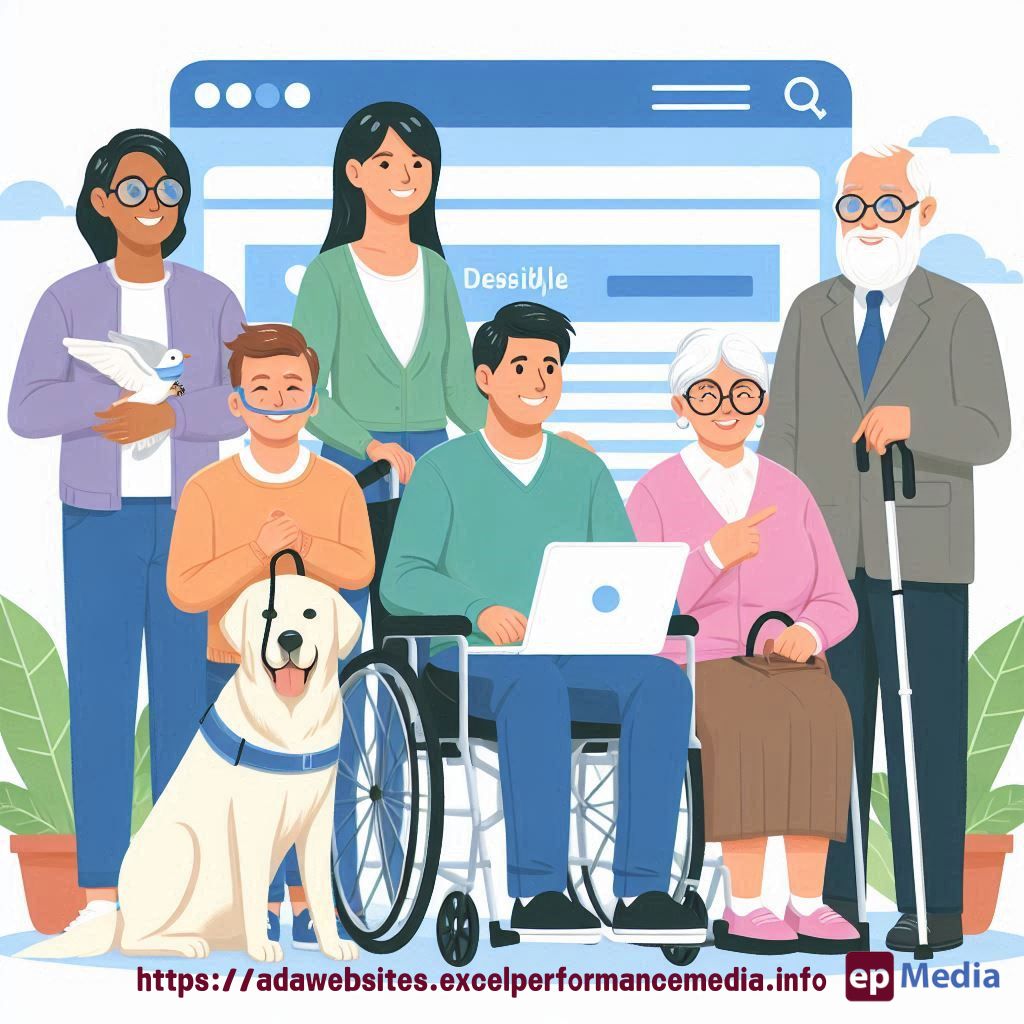
Ever wondered how to make your website work for everyone? That’s where web accessibility comes in.
As designers, we’ve got a big job. We’re not just making things look pretty. We’re opening doors for all users.
Let’s dive into web accessibility for designers and see how we can make the web a better place for everyone.
Why Should Designers Care About Web Accessibility?
Think about this:
- 1 in 5 people have some form of disability
- That’s a huge chunk of potential users we might be leaving out
- Plus, accessible design often leads to better design for everyone
It’s not just about ticking boxes. It’s about creating experiences that work for all.
Key Principles of Accessible Design
Let’s break it down:
1. Colour Contrast
Ever tried to read light grey text on a white background? Not fun, right?
Good contrast isn’t just for those with visual impairments. It makes your site easier for everyone to read.
2. Clear Typography
Font choice matters. A lot.
- Go for clean, easy-to-read fonts
- Keep your line length in check (aim for 50-75 characters per line)
- Use proper heading hierarchy (H1, H2, H3, etc.)
3. Alternative Text for Images
Alt text isn’t just for SEO. It’s a lifeline for users with screen readers.
Describe your images clearly. Think about what info they add to your content.
4. Keyboard Navigation
Not everyone uses a mouse. Make sure your site works smoothly with keyboard-only navigation.
5. Form Design
Forms can be a nightmare if not designed right.
- Use clear labels
- Provide helpful error messages
- Make sure form fields are in a logical order
Tools to Help You Get Started
Don’t worry, you’re not in this alone. There are tons of tools to help:
- WAVE (Web Accessibility Evaluation Tool)
- Axe DevTools
- Colour Contrast Analyser
These can help you spot issues early in your design process.
The Impact of Accessible Design
Accessible design isn’t just good karma. It’s good business.
- Wider audience reach
- Better user experience for everyone
- Improved SEO
- Reduced legal risks
It’s a win-win situation.
FAQs
Isn’t accessible design just for people with disabilities?
Nope. Accessible design benefits everyone. Think about curb cuts on sidewalks. They were designed for wheelchair users, but they help parents with strollers, people with luggage, and more.
Will making my site accessible make it look boring?
Not at all. Accessibility is about smart design, not boring design. You can still be creative while following accessibility guidelines.
How do I convince my clients to prioritise accessibility?
Show them the numbers. A more accessible site means more potential users, better SEO, and reduced legal risks. It’s an investment that pays off.
Is web accessibility a legal requirement?
In many countries, yes. But even where it’s not legally required, it’s still the right thing to do.
Web accessibility for designers isn’t just a nice-to-have. It’s a must-have in today’s digital world. By making our designs accessible, we’re not just following best practices. We’re making the web a better place for everyone. Our ADA compliance solutions can help you with it.
- Best Practices for Accessible Web Design Check Website Accessibility Free
- Tools for Designers in Web Accessibility Check Website Accessibility Free
- Real-World Examples of Accessible Web Design Cost To Make Website ADA Compliant
- Common Accessibility Mistakes Designers Make Test Site For ADA Compliance
- Testing Designs for Accessibility Web Accessibility Audit Checklist
- Accessible Color Schemes Accessible Website Designers
- Accessible Typography Web Accessibility Audit Checklist
- Designing for Screen Readers Designing For Web Accessibility
- Accessible Interactive Elements Web Accessibility Audit Report
- Case Studies of Accessible Web Design Test Website Accessibility Free
- Creating Accessible Layouts Scan Website For ADA Compliance
- Designing Accessible Forms Check Website Accessibility Free
- Accessible Navigation Design Web Accessibility Audit
- Legal Requirements for Designer Accessibility Web Accessibility ADA
- Future Trends in Accessible Web Design Section 508 Compliance Certification
- Training Resources for Designers in Accessibility Disability Compliance For Websites
- Accessibility in UI/UX Design Accessible Rich Internet Applications ARIA
- Responsive Design and Accessibility ADA Website Compliance Service
- Accessibility Plugins and Tools for Designers Accessibility For Web Design