
Worried About Your Website’s Accessibility? Test It for Free!
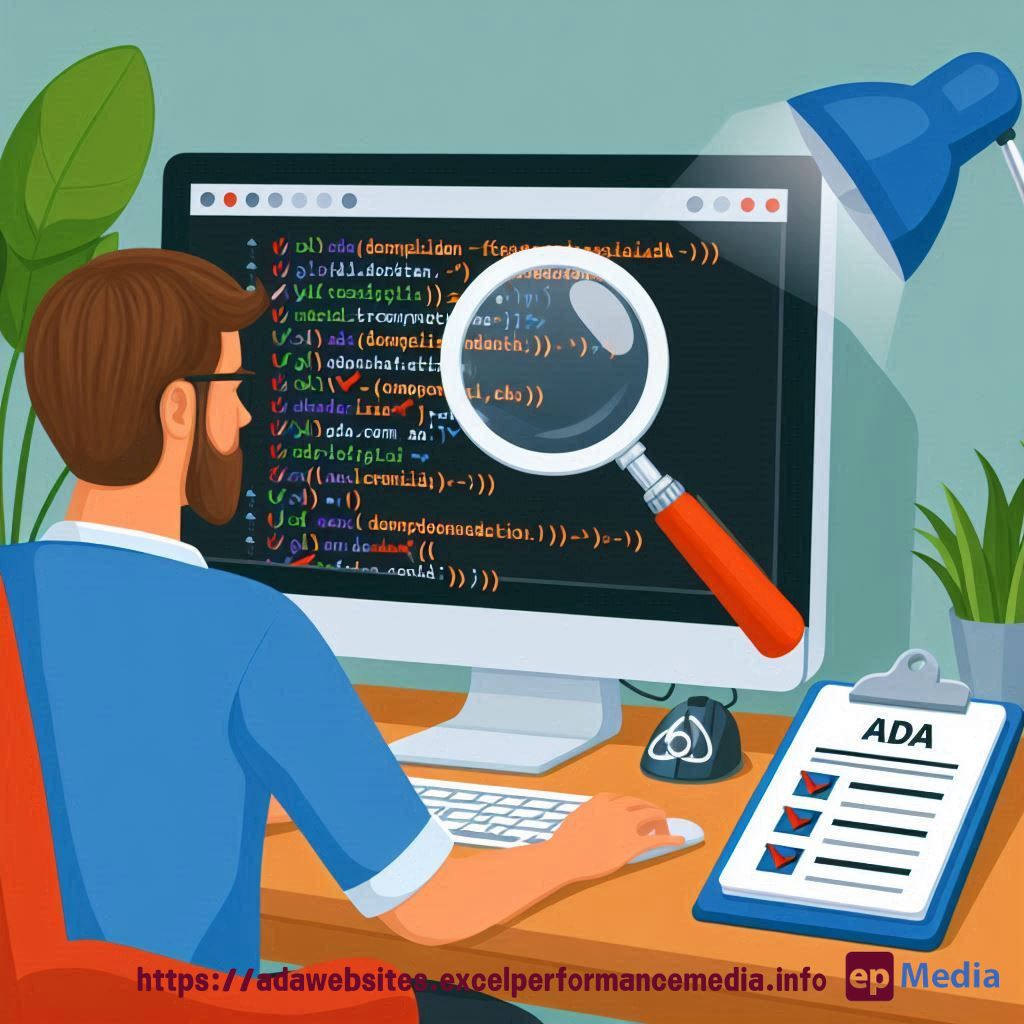
Accessibility is a big deal. You’ve heard it, I’ve heard it, everyone’s talking about it. But what does it really mean for your website?
Ever tried navigating a site and found yourself totally lost? Imagine how much harder that is for someone with a disability. That’s why making sure your site is accessible is not just a “nice-to-have,” it’s a must.
And here’s the kicker: You can test website accessibility for free.
Why Bother with Website Accessibility?
Look, I get it. You’ve got a ton of things on your plate—why add accessibility testing to the list?
Because ADA compliance for websites matters.
It’s not just about ticking a box. It’s about making your site usable for everyone, including people with disabilities. Plus, you avoid lawsuits and rank higher on Google. Yeah, Google loves an accessible site.
If you’re not testing your website’s accessibility, you’re leaving a big chunk of your audience in the dark. And that’s just bad business.
How to Test Website Accessibility Free
So, how do you actually do it? You’ve got options, my friend.
- Use free online tools: There are plenty of them out there. Some popular ones are WAVE, Axe, and Google Lighthouse.
- Manual testing: Get a feel for your site’s accessibility by navigating it yourself. Use your keyboard, turn off your monitor, or enable screen readers. This gives you a hands-on experience.
- Browser extensions: Tools like Axe have browser extensions that can give you instant feedback as you browse your own site.
Testing your website accessibility for free isn’t rocket science. It just takes a bit of time and the right tools.
What Are the Common Accessibility Issues?
Most people don’t even realise their site has accessibility issues until it’s pointed out.
Here are some common problems:
- Missing alt text for images: Screen readers rely on this to describe images to users who can’t see them.
- Poor colour contrast: If users can’t read your content because the text blends into the background, that’s a problem.
- Non-descriptive links: “Click here” isn’t helpful. Tell users where the link is going to take them.
- Inaccessible forms: Make sure forms can be navigated using just a keyboard.
These issues might seem small, but they have a big impact on usability.
Forms and WCAG Compliance: Why They Matter
Forms are everywhere—sign-up forms, contact forms, checkout forms.
But are they accessible?
The Web Content Accessibility Guidelines (WCAG) lay down the law here. If your forms aren’t WCAG compliant, you’re in trouble.
Key things to check:
- Label all fields properly.
- Ensure the form can be navigated with a keyboard.
- Use error messages that are easy to understand.
Get these right, and you’re golden.
FAQs
What does it mean to test website accessibility for free?
Testing website accessibility for free means using tools and techniques that don’t cost a penny to check if your site is usable for everyone, including people with disabilities.
How often should I test my website’s accessibility?
Regularly. Ideally, after every major update or design change. Even small tweaks can create new accessibility issues.
Can I make my website fully accessible on my own?
You can cover a lot on your own, but sometimes it’s worth getting a professional audit to catch things you might miss.
Why is WCAG compliance important?
WCAG compliance ensures your site is accessible to all users, which is crucial for both legal reasons and user experience.
Final Thoughts
Look, I’m not saying you need to drop everything and become an accessibility guru. But testing website accessibility for free is a step you can’t afford to skip.
It’s not just about following rules – it’s about making your site better for everyone. So go ahead, test your website accessibility for free today or let our ADA compliance website services do it for you. You won’t regret it.
https://adawebsites.excelperformancemedia.info/accessible-forms-and-inputs/