
Websites and ADA Compliance: The Role of Assistive Technologies
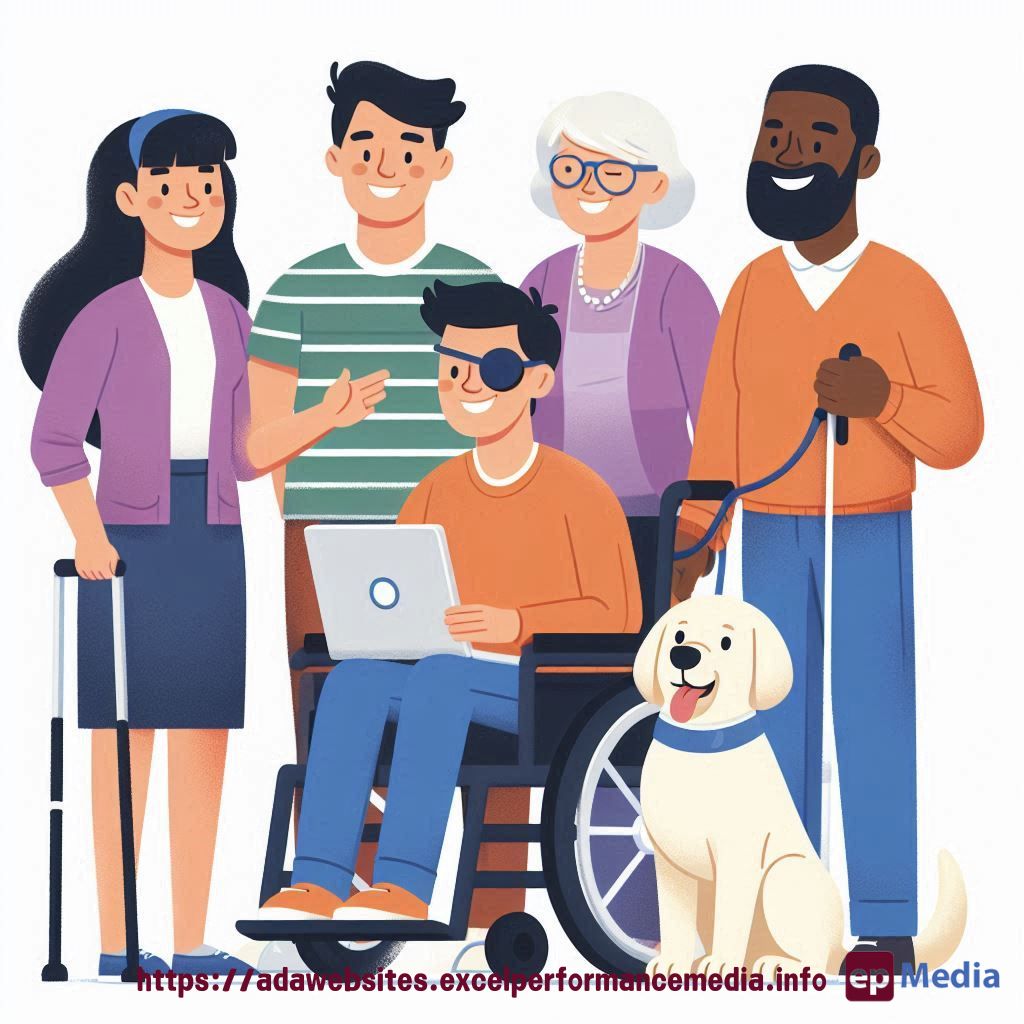
Ever wondered how people with disabilities actually use websites?
Or maybe you’re scratching your head trying to figure out what “assistive technologies” even means?
Let’s dive into this together and see how it all ties into ADA compliance for websites.
What Are Assistive Technologies?
Here’s the deal:
Assistive technologies are tools that help people with disabilities use computers and the internet.
Think of them as digital superpowers. Assistive technologies are devices or software designed to assist people with disabilities in carrying out tasks or accessing information more easily. Some examples of the common assistive technologies include:
Voice recognition software
Eye-tracking devices
Alternative keyboards
Switch devices
Screen Readers
Software that reads aloud the text displayed on a computer screen to allow individuals who are blind or have low vision to gain access digital information.
Braille displays
Devices which use braille displays to provide individuals who are blind or have low vision with access to digital information.
Closed captions
Text that is displayed on a screen or device to provide visual representations of audio or video content for individuals who are deaf or hard of hearing so they can access information more readily.
Communication Devices
These include devices designed to assist those with speech or language impairments to communicate with others, such as picture communication symbols or augmentative and alternative communication (AAC) devices.
These aren’t just fancy gadgets. They’re lifelines for many people.
How Assistive Technologies Work with Websites
So how do these tools actually interact with websites?
It’s like this:
- Screen readers convert text to speech
- Voice recognition turns speech into text
- Eye-tracking lets users navigate with eye movements
- Alternative keyboards adapt to different physical needs
- Switch devices allow navigation with minimal movement
But here’s the kicker: they only work if your website plays nice with them.
Common Barriers for Assistive Technologies
Now, let’s talk about where things often go wrong:
- Images without alt text
- Poor colour contrast
- Lack of keyboard navigation
- Complex layouts
- Inaccessible forms
These aren’t just minor inconveniences. They can make your site completely unusable for some people.
Making Your Website Work with Assistive Technologies
Alright, so how do we fix this? Here’s your game plan:
- Understand different assistive technologies
- Test your site with these tools
- Fix any issues you find
- Keep testing regularly
It’s not a one-and-done deal. You’ve got to stay on top of it.
The Business Case for Supporting Assistive Technologies
Here’s why this matters for your bottom line:
- Wider audience reach
- Better user experience for everyone
- Improved SEO
- Legal compliance
It’s not just about doing good. It’s smart business.
The Americans with Disabilities Act (ADA) mandates that businesses and organizations provide reasonable accommodations to individuals with disabilities, such as assistive technologies. This may include:
- Supplying assistive technologies such as screen readers or braille displays to employees with disabilities.
- Modifying physical environments so as to make them accessible for individuals with disabilities, such as installing wheelchair-accessible ramps and elevators.
- Offering communication devices to individuals with speech or language impairments.
- Enabling closed captioning on audio/video content. 5. Offering alternative formats of written materials like braille or large print for ease of access.
Businesses and organizations can also take steps to make sure their websites and digital platforms are accessible to individuals with disabilities, including:
- Adopting accessible design principles, such as clear and consistent navigation and high contrast colors.
- Providing alternative text for images and graphics. 3. Employing closed captioning on audio-video content.
- Offering a text-only version of the website.
- Conducting regular accessibility audits to detect and address barriers related to accessibility.
Conclusion The Americans with Disabilities Act (ADA) requires businesses and organizations to provide reasonable accommodations to individuals with disabilities, including assistive technologies. By making physical and digital environments accessible for these individuals with disabilities, businesses and organizations can ensure equal access to goods and services for individuals who rely on assistive technologies.
FAQs
Do I need to support all types of assistive technologies?
You should aim to support as many as possible. It’s about inclusivity.
How can I test my website with assistive technologies?
There are online tools available, but nothing beats testing with actual users of these technologies.
Will supporting assistive technologies make my website look different?
Not necessarily. Good accessibility often improves design for everyone.
Is it expensive to make my website work with assistive technologies?
It can be if you’re starting from scratch, but it’s cheaper than potential lawsuits or lost business.
Look, websites and ADA compliance are about more than just ticking boxes.
It’s about understanding and supporting the tools people use to access the web.
By embracing assistive technologies, we’re not just following rules. We’re opening doors for everyone. Just in case you feel opening that door is too hard feel free to ask our ADA compliance website services for help.
https://adawebsites.excelperformancemedia.info/ada-compliance-for-websites/