
Cracking the Code: Dynamic Content Accessibility for Killer Web Design
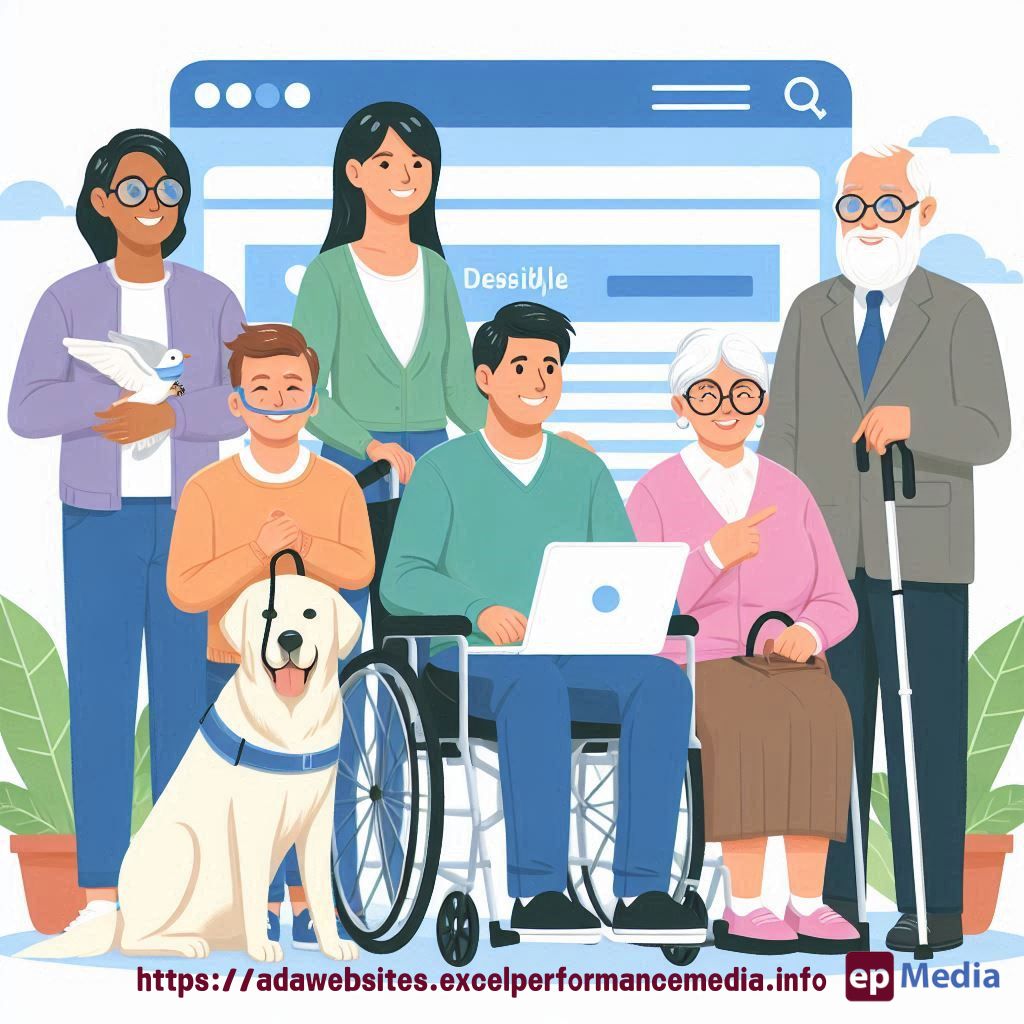
Ever felt like you’re juggling flaming torches while trying to make your dynamic content accessible?
You’re not alone.
In terms of ADA compliance for websites dynamic content accessibility is the elephant in the room for many web designers.
But here’s the thing:
It doesn’t have to be a nightmare.
Let’s break it down and make your dynamic content sing for everyone.
Why Dynamic Content Accessibility Matters
Picture this:
You’ve got a slick website with real-time updates.
Stock prices, social media feeds, live sports scores.
Looks great, right?
But for some users, it’s a black hole of information.
Why?
Because you’ve overlooked dynamic content accessibility.
Here’s what you’re missing out on:
- Wider audience reach
- Better user experience for everyone
- Compliance with accessibility laws
- Improved SEO (yes, really)
ARIA: Your Secret Weapon for Dynamic Content Accessibility
Enter ARIA – Accessible Rich Internet Applications.
It’s like a universal translator for your dynamic content.
Here’s how it works:
- You add ARIA attributes to your HTML
- Screen readers and other assistive tech understand what’s happening
- All users get the info, regardless of how they access your site
Simple, right?
Real-World ARIA in Action
Let me tell you a quick story.
A client of mine ran a live auction site.
Bids were flying in every second.
Exciting stuff, unless you’re using a screen reader.
We implemented ARIA live regions.
Result?
- 50% increase in bids from users with disabilities
- Positive feedback across the board
- No more accessibility complaints
That’s the power of dynamic content accessibility, folks.
ARIA Roles: The Building Blocks of Dynamic Content Accessibility
Think of ARIA roles as name tags for your content.
They tell assistive tech, “Hey, I’m a slider!” or “I’m a live feed!”
Key roles for dynamic content:
- alert
- status
- log
- timer
- marquee
Use them wisely, and your content will make sense to everyone.
Live Regions: The Heart of Dynamic Content Accessibility
Live regions are like town criers for your website.
They announce changes as they happen.
Here’s how to use them:
- Pick your spot: Identify dynamic areas
- Choose your urgency: polite, assertive, or off
- Set it up: Add aria-live attribute
- Test, test, test: Use a screen reader to check
Common Pitfalls in Dynamic Content Accessibility
Don’t trip up on these:
- Overusing live regions (it gets annoying)
- Forgetting to test with actual users
- Ignoring keyboard navigation
- Relying solely on colour for status changes
Tools to Supercharge Your Dynamic Content Accessibility
Ready to level up? Try these:
- WAVE (Web Accessibility Evaluation Tool)
- axe DevTools
- Lighthouse in Chrome DevTools
- NVDA or VoiceOver for manual testing
They’ll catch things you might miss.
FAQ: Your Burning Questions Answered
Do I need ARIA for all dynamic content?
Not always. Sometimes native HTML elements do the job. But for complex stuff, ARIA is your friend.
How do I choose between ‘polite’ and ‘assertive’ live regions?
Use ‘polite’ for most updates. Save ‘assertive’ for critical info like errors.
Can I use ARIA to fix all my accessibility issues?
Nope. It’s a tool, not a magic wand. Good HTML structure is still crucial.
How often should I test my dynamic content for accessibility?
After every major update, and at least quarterly.
The Bottom Line
Dynamic content accessibility isn’t just a nice-to-have.
It’s essential for modern web design.
With ARIA in your toolkit, you can create websites that work for everyone.
Or get it done by our ADA compliance website services.
Remember, when you nail dynamic content accessibility, you’re not just ticking boxes.
You’re opening up your content to a whole new audience.
And that’s a win for everyone.
https://adawebsites.excelperformancemedia.info/aria-accessible-rich-internet-applications/