
Cracking the Code: Accessibility User Testing for Developers
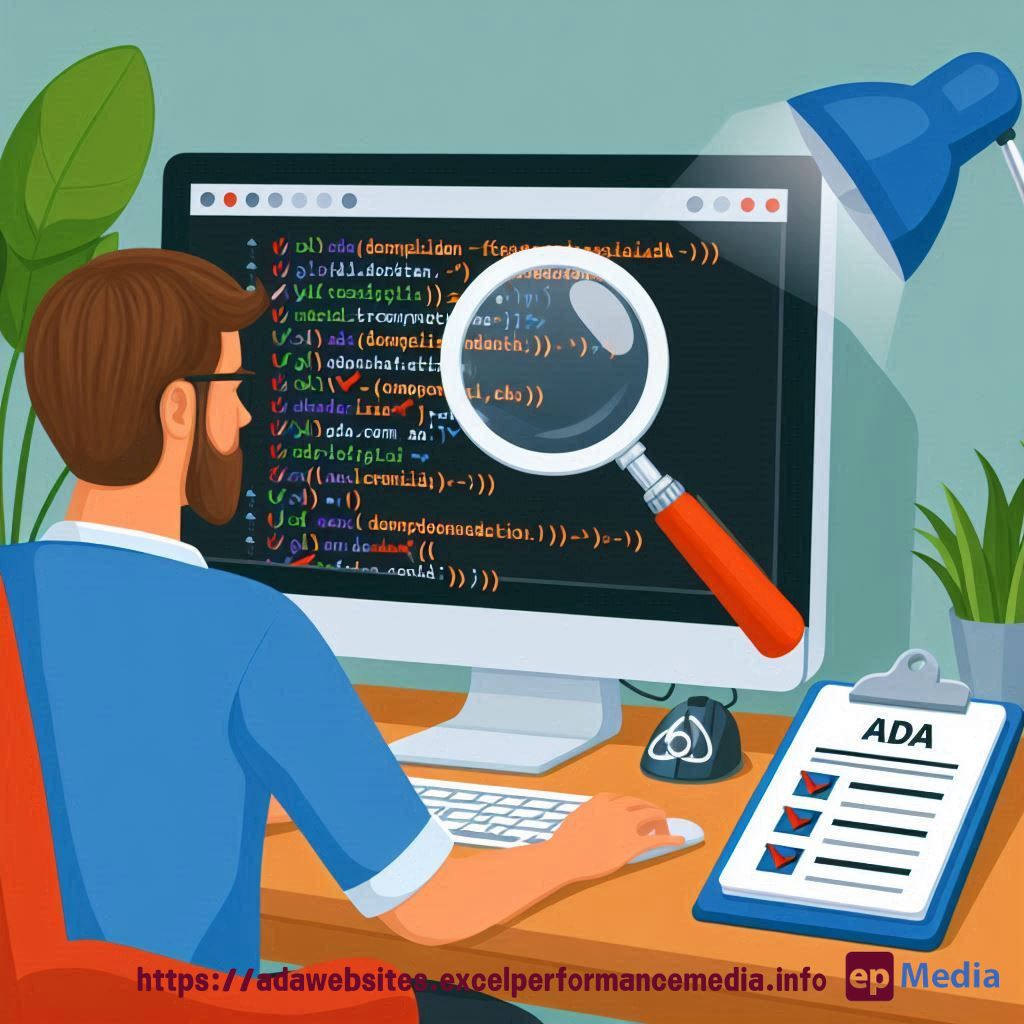
Ever built a website and wondered, “Can everyone actually use this thing?” Welcome to the wild world of accessibility user testing for developers.
Let’s face it, coding is tough enough without throwing accessibility into the mix. But here’s the kicker – it’s not just about ticking boxes. It’s about real people using your site.
Why Accessibility Matters (And Why You Should Care)
Picture this: You’ve just launched a killer e-commerce site. Sales are rolling in. Life’s good. Then bam! You’re hit with an accessibility lawsuit. Just because you did not respect the ADA compliance for websites. Not so fun anymore, is it?
But it’s not just about dodging legal bullets. It’s about:
- Reaching more users (aka more moolah)
- Building a better reputation (because being inclusive is cool)
- Creating a better user experience for everyone (happy users = happy life)
The Dev’s Guide to Accessibility Testing
Alright, let’s get down to brass tacks. How do you actually do this accessibility testing thing?
- Start with automated tools (they’re like training wheels)
- Move on to manual testing (because robots can’t catch everything)
- Bring in real users with disabilities (this is where the magic happens)
Automated Testing: Your First Line of Defense
Think of automated tools as your accessibility bodyguards. They catch the obvious stuff:
- Missing alt text (because screen readers can’t see your awesome graphics)
- Poor color contrast (squinting is so last season)
- Keyboard navigation issues (not everyone uses a mouse, folks)
Try tools like WAVE, aXe, or Lighthouse. They’re like spell-check for accessibility.
Manual Testing: Getting Your Hands Dirty
Now it’s time to roll up your sleeves and dig deeper:
- Use a screen reader (NVDA or VoiceOver – prepare to be humbled)
- Navigate with just your keyboard (no cheating with the mouse!)
- Zoom in to 200% (is your responsive design really responsive?)
- Turn off CSS (if it looks like 1995, you’re doing it wrong)
User Testing: The Real Deal
This is where the rubber meets the road. Get real people with disabilities to test your site.
Here’s how to do it right:
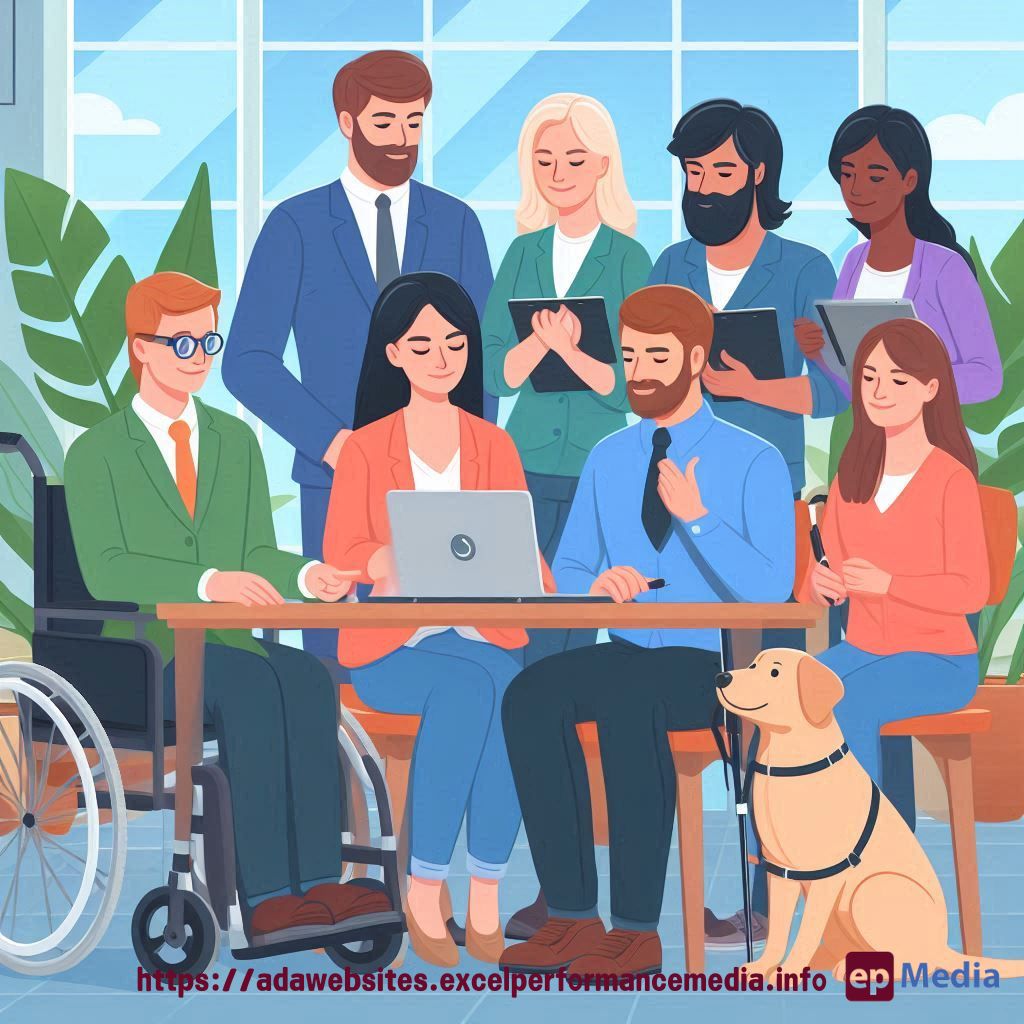
- Recruit diverse testers (different disabilities, ages, tech skills)
- Set clear tasks (don’t just say “use the site”)
- Observe and listen (their struggles are your to-do list)
- Pay them fairly (accessibility expertise ain’t free)
Common Pitfalls (Don’t Be That Dev)
Avoid these rookie mistakes:
- Forgetting about keyboard users (tab order matters, people)
- Ignoring color contrast (gray on slightly darker gray is not okay)
- Using vague link text (“click here” tells screen reader users nothing)
- Forgetting to label form fields (because guessing games aren’t fun)
Tools of the Trade: Level Up Your Accessibility Game
Here are some tools to add to your dev toolkit:
- WAVE (Web Accessibility Evaluation Tool)
- aXe (the Accessibility Engine)
- Contrast Checker
- NVDA (free screen reader for Windows)
- VoiceOver (built-in screen reader for Mac)
FAQ: Because You Know You Want to Ask
Do I really need to do all this for every project?
Yes, unless you enjoy lawsuits and excluding users. Start small, but start now.
What if my client doesn’t care about accessibility?
Educate them. Show them the benefits (and the potential costs of ignoring it).
How do I find users with disabilities for testing?
Reach out to disability organizations, use social media, or hire professional accessibility testers.
Is there a quick fix for accessibility?
Nope. It’s an ongoing process. But the sooner you start, the easier it gets.
Wrapping It Up: The Accessibility Mindset
Accessibility user testing for developers isn’t just a one-time thing. It’s a mindset. It’s about building empathy into every line of code you write.
Remember, an accessible web is a better web for everyone. So go forth and code with compassion! Or leave it with our ADA compliance website services.
https://adawebsites.excelperformancemedia.info/user-testing-for-accessibility/