
ADA Website Consultant Discloses Common User Testing Accessibility Mistakes
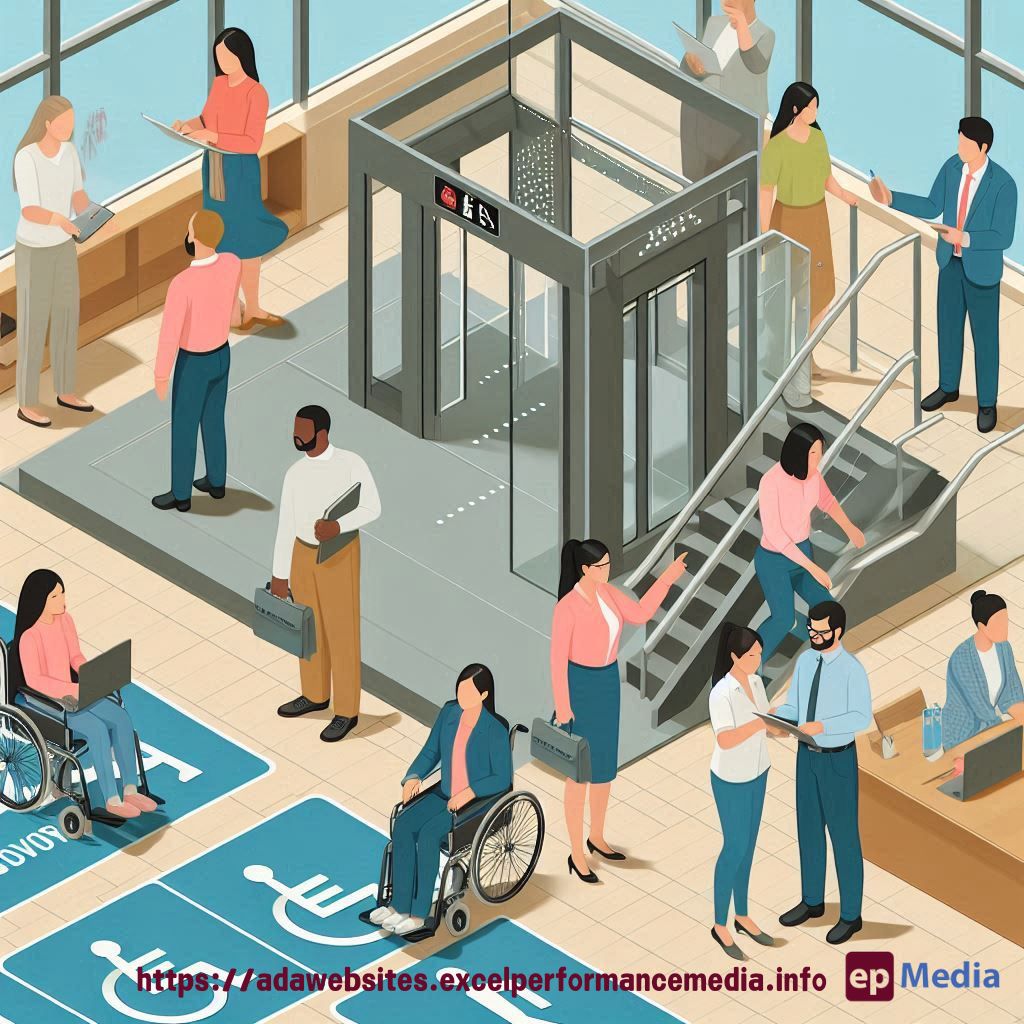
Ever felt like you’re stumbling in the dark when it comes to website accessibility testing?
You’re not alone.
As an ADA website consultant, I’ve seen it all. Let’s dive into the most common mistakes and how to avoid them.
The Accessibility Testing Conundrum
Picture this: You’ve just finished a website project. You’re feeling pretty good.
Then someone asks, “But is it accessible?”
Cue the panic.
That’s where an ADA website consultant comes in handy. But even we make mistakes sometimes.
Why These Mistakes Matter
Here’s the deal:
- 1 in 4 adults in the US have a disability
- That’s a massive audience you could be alienating
- ADA lawsuits are on the rise (and they’re expensive)
- It’s not just about compliance; it’s about doing the right thing
The Top Accessibility Testing Blunders
Let’s break it down:
1. Relying Solely on Automated Tools
Automated tools are great, but they’re not foolproof.
They catch about 30% of issues. The rest? That’s where human testing comes in.
2. Testing with Only One Type of Disability in Mind
ADA compliance for websites isn’t just about screen readers.
Think about:
- Motor impairments
- Cognitive disabilities
- Visual impairments (not just blindness)
- Hearing impairments
3. Ignoring Keyboard Navigation
Not everyone uses a mouse. Shocking, I know.
Try navigating your site using only your keyboard. Bet you’ll find some issues.
4. Forgetting About Real User Testing
Nothing beats testing with actual users who have disabilities.
Their insights are gold. Don’t skip this step.
5. Overlooking Mobile Accessibility
Mobile accessibility is not the same as desktop.
Different screen sizes, different interactions. Test both.
Real Talk: The Consequences of These Mistakes
Let’s get serious for a moment:
- Legal troubles (ADA lawsuits are no joke)
- Lost customers (would you stay on a site you can’t use?)
- Damaged reputation (word spreads fast)
- Missed opportunities (accessibility often improves usability for everyone)
How to Up Your Accessibility Testing Game
Want to avoid these pitfalls? Try this:
- Use a mix of automated and manual testing
- Test with a diverse group of users
- Learn the basics of assistive technologies
- Stay updated on WCAG guidelines
- Build accessibility testing into your development process
The ADA Website Consultant’s Secret Weapon
Want to know what sets great ADA website consultants apart?
Empathy.
Put yourself in your users’ shoes. Try using your site with:
- A screen reader
- Only keyboard navigation
- Voice commands
- Different colour contrast settings
It’s eye-opening, trust me.
The Cost of Cutting Corners
Let’s talk money. Fixing accessibility issues after launch?
Way more expensive than doing it right from the start.
Not to mention the potential lawsuits. Ouch.

FAQs
How often should we conduct accessibility tests?
Regularly. At least with every major update. Better yet, make it part of your ongoing QA process.
Can’t we just add an accessibility overlay and call it a day?
No. Just… no. These overlays often cause more problems than they solve.
Do we need to make our site work with every assistive technology out there?
Focus on the most common ones first. Cover the basics well before diving into niche technologies.
What if we can’t fix everything at once?
Prioritise. Start with the most critical issues that affect the largest number of users. Then work your way down the list.
Wrapping It Up
Look, accessibility testing isn’t just about ticking boxes.
It’s about opening your website to everyone. Period.
As an ADA website consultant, I’ve seen these mistakes cost companies big time.
Don’t let that be you.
Remember, good accessibility is good business.
It’s not just about avoiding lawsuits. It’s about reaching more people, improving user experience, and doing the right thing.
So, next time you’re testing your site, think beyond the checklist. Or let our ADA compliance website services do the testing for you.
Think about the people on the other side of the screen.
Because that’s what being an effective ADA website consultant is all about.
https://adawebsites.excelperformancemedia.info/user-testing-for-accessibility/