
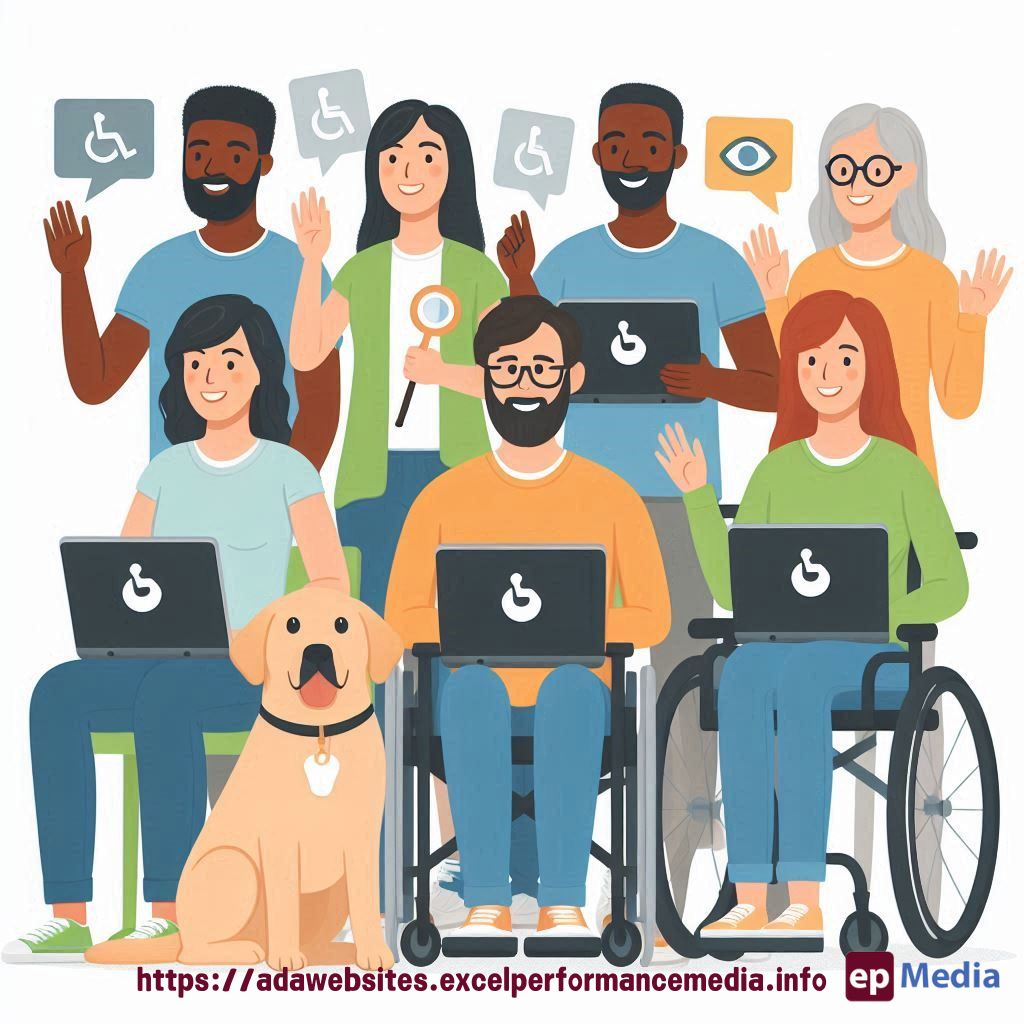
So, you’re building a website, and you want to make sure it’s up to snuff when it comes to Disability Compliance For Websites. Smart move. But then, you hear about WCAG, and there’s talk of 2.1 and 2.2. What’s that about? And more importantly, what’s the difference? I’m here to break it down.
The Real Question: Why Does WCAG Even Matter?
Look, nobody wants to build a site that alienates users. But more importantly, the law is catching up. Not being compliant could land you in hot water. So, what’s the deal with these WCAG versions?
Quick Recap: What Is WCAG?
For those who are a bit foggy on the details, WCAG stands for Web Content Accessibility Guidelines. It’s basically the rulebook for making the web accessible to everyone, especially those with disabilities.
Now, we’ve got two main versions in play: 2.1 and 2.2. Both aim to make the web more inclusive, but 2.2 takes ADA compliance for websites up a notch.
WCAG 2.1: A Step Forward
WCAG 2.1 was introduced to fill in the gaps from its predecessor, WCAG 2.0. It brought in new guidelines that were crucial for mobile accessibility and users with low vision or cognitive disabilities.
- Mobile Accessibility: With the rise of smartphones, WCAG 2.1 added new criteria to ensure sites work well on mobile.
- Low Vision Support: More focus was put on making text and images easier to see for users with low vision.
- Cognitive and Learning Disabilities: New guidelines were created to support users with these disabilities.
Great stuff, but it didn’t cover everything. That’s where WCAG 2.2 steps in.
WCAG 2.2: Fine-Tuning the Experience
WCAG 2.2 isn’t just a minor update. It’s like adding more tools to your toolkit, making sure no one’s left behind. So, what’s new?
- Focus Appearance: Ever tab through a page and lose track of where you are? WCAG 2.2 ensures the focus indicator is more visible.
- Dragging Movements: Some users struggle with drag-and-drop. New guidelines provide alternatives, making it easier to interact with websites.
- Target Size: Think of those tiny buttons on mobile. WCAG 2.2 sets a minimum target size, so they’re easier to tap.
- Additional Support for Cognitive Disabilities: More guidelines were added to assist users with cognitive and learning disabilities.
These tweaks might seem small, but they make a massive difference for users who need them.
What Does This Mean for Your Website?
If your site’s compliant with WCAG 2.1, you’re doing well. But aiming for 2.2 compliance shows you’re serious about accessibility. Plus, it’s just good practice.
To level up to WCAG 2.2, focus on the new guidelines I just mentioned. Review your site, see where you can make improvements, and get to work.

FAQs on Disability Compliance For Websites
What happens if my website isn’t compliant with WCAG 2.2?
Well, if your site isn’t compliant, you risk alienating users, and you could face legal challenges. Better safe than sorry.
Can I still get away with WCAG 2.1 compliance?
Technically, yes, for now. But WCAG 2.2 is quickly becoming the new standard. I’d suggest you aim for the latest to future-proof your site.
Is it hard to upgrade from WCAG 2.1 to 2.2?
Not really. It’s more about fine-tuning. If you’re already compliant with 2.1, it’s just a matter of focusing on the new guidelines.
Where can I find resources to help with WCAG compliance?
There are plenty of tools and guides online. The W3C website is a great place to start. Plus, accessibility checkers can give you a quick snapshot of where your site stands.
Wrap-Up
Staying up-to-date with Disability Compliance For Websites isn’t just a tick-box exercise. It’s about making the web a place where everyone can feel welcome. And if you ask me, aiming for WCAG 2.2 is the way to go. If it makes you feel overwhelmed feel free to hire our ADA compliance website services.
https://adawebsites.excelperformancemedia.info/wcag-2-2-and-future-updates/