
WCAG 2.2: Designing For Web Accessibility That Actually Works

Ever felt lost in the maze of web accessibility guidelines?
You’re not alone.
As developers, we often struggle with ADA compliance for websites to make our sites accessible without sacrificing style or function.
But here’s the thing: designing for web accessibility isn’t just about ticking boxes.
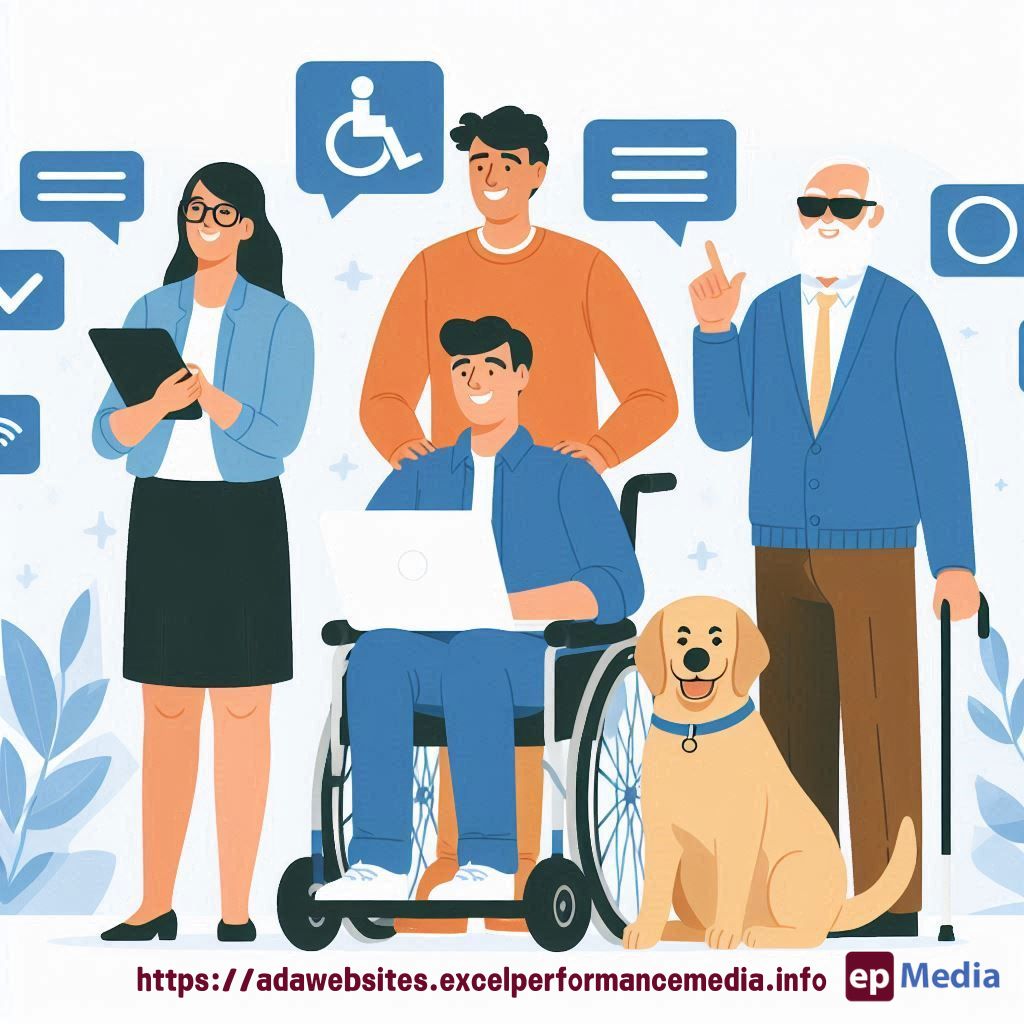
It’s about creating a web that everyone can use and enjoy.
Let’s dive into WCAG 2.2 and see how we can make accessibility work for us, not against us.
What’s New in WCAG 2.2?
WCAG 2.2 builds on the previous versions, adding some new success criteria:
- Focus Appearance (Minimum)
- Dragging Movements
- Target Size (Minimum)
- Consistent Help
- Accessible Authentication
These additions aim to make the web more usable for people with cognitive disabilities and those using mobile devices.
Why Should You Care?
Look, I get it.
Accessibility can seem like a chore.
But here’s why it matters:
- It’s the right thing to do
- It expands your audience
- It can boost your SEO
- It’s often a legal requirement
Plus, many accessibility features end up benefiting all users.
Win-win, right?
Practical Tips for Designing For Web Accessibility
Let’s break this down into actionable steps:
1. Make Your Content Readable
- Use clear, simple language
- Break text into short paragraphs
- Use headings to structure your content
- Avoid jargon and explain technical terms
2. Ensure Keyboard Navigation
- Make all functionality available via keyboard
- Use logical tab order
- Provide visible focus indicators
3. Add Alternative Text
- Describe images in alt text
- Use empty alt attributes for decorative images
- Provide transcripts for audio content
4. Use Sufficient Colour Contrast
- Ensure text has enough contrast with its background
- Don’t rely solely on colour to convey information
- Use tools like WebAIM’s Contrast Checker
5. Make Forms Accessible
- Label form controls clearly
- Provide helpful error messages
- Allow users to recover from errors
Real-World Example
Let me share a quick story.
I once worked on a site for a local charity.
They were skeptical about investing time in accessibility.
But after implementing these guidelines, they saw a 30% increase in donations.
Why?
Because more people could actually use their site.
It’s not just about compliance.
It’s about reaching more people and creating better user experiences.
FAQ
Isn’t accessibility just for people with disabilities?
No way. Accessibility benefits everyone. Think about captions on videos. They’re great for people with hearing impairments, but also for anyone watching in a noisy environment or without sound.
Will making my site accessible make it look boring?
Absolutely not. Good accessibility and great design go hand in hand. It’s about being creative within guidelines, not restricting creativity.
How can I test my site’s accessibility?
Start with automated tools like WAVE or aXe, but don’t stop there. Manual testing, especially with actual users with disabilities, is crucial. Or let our ADA compliance website services do it.
Is WCAG 2.2 a legal requirement?
It depends on your location and industry. But even if it’s not legally required, it’s still a best practice that can protect you from potential lawsuits.
Wrapping Up
Designing for web accessibility isn’t just about following rules.
It’s about creating a web that works for everyone.
By implementing these WCAG 2.2 guidelines, you’re not just ticking boxes.
You’re opening doors.
Remember, the web is meant to be for everyone.
Let’s make sure our designs reflect that.
https://adawebsites.excelperformancemedia.info/wcag-2-2-and-future-updates/