
Designing Accessible Forms: Check Website Accessibility Free

Hey there, folks! As someone who’s been in the website game for a while, I know how important it is to make sure your forms are accessible to everyone. That’s why I’m here to share some tips on designing accessible forms and how you can check your website’s accessibility for free.
First off, let’s talk about accessibility in terms of ADA compliance for websites. It’s all about making sure your website can be used by people with disabilities, whether that’s vision impairment, hearing loss, or any other kind of challenge. And when it comes to forms, accessibility is crucial.
Why Accessible Forms Matter
Think about it – forms are often the main way people interact with your website, whether it’s signing up for a newsletter, filling out a contact form, or making a purchase. If those forms aren’t accessible, you’re potentially excluding a huge portion of your audience.
And let’s be real, no one wants that. We want our websites to be inclusive and welcoming to everyone, right? That’s where accessible forms come in.
Designing Accessible Forms
Alright, let’s dive into some tips for designing accessible forms:
- Use clear and concise labels – Make sure your form fields are labeled clearly and concisely, so everyone knows exactly what they’re supposed to fill out.
- Provide clear instructions – Don’t assume everyone knows how to fill out your form. Give clear instructions on what’s required and how to complete the form.
- Use accessible form controls – Choose form controls (like dropdown menus, radio buttons, and checkboxes) that are easy for everyone to use, including those using assistive technologies.
- Make your forms keyboard-friendly – Ensure that users can navigate and interact with your form using just their keyboard, without needing a mouse.
- Provide clear error messages – If someone makes a mistake on your form, give them clear and helpful error messages to guide them in fixing the issue.
Check Website Accessibility Free
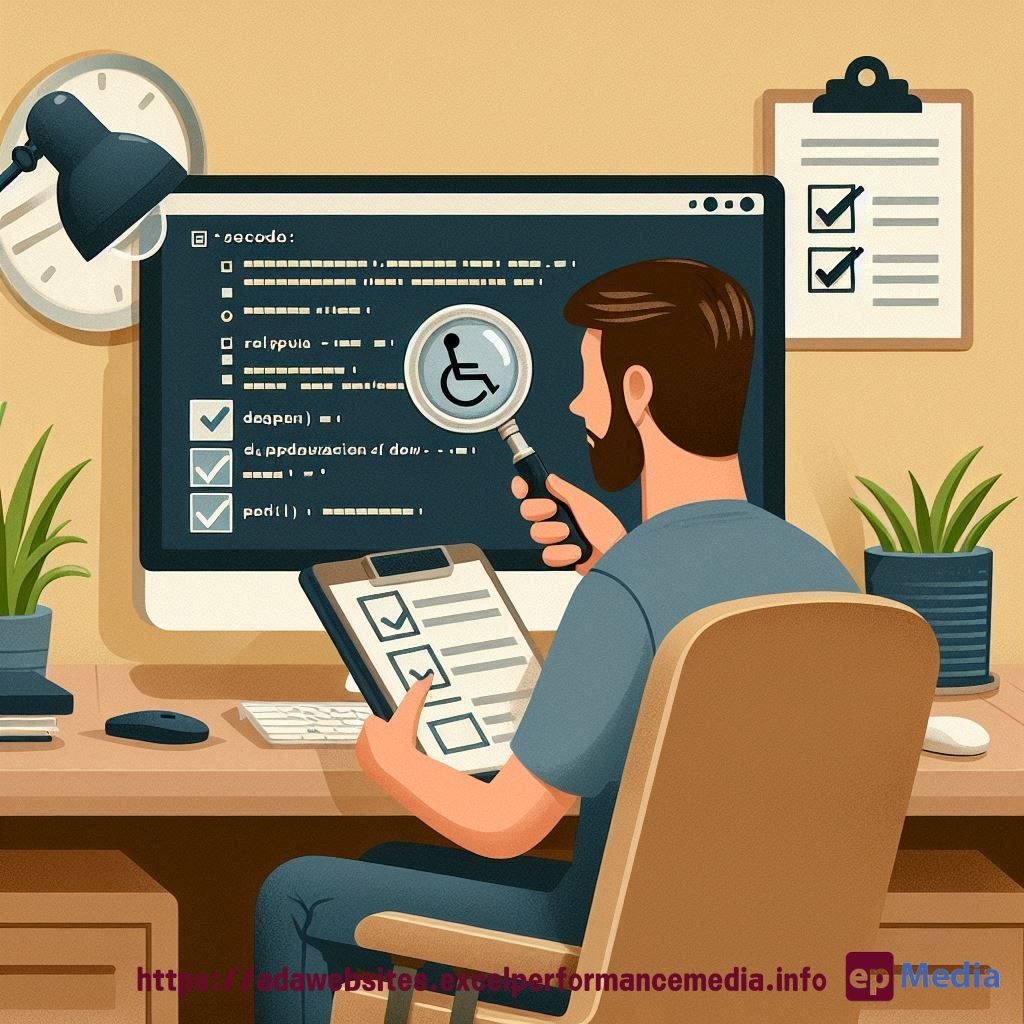
Now, you might be thinking, “Okay, that all sounds great, but how do I know if my forms are actually accessible?” Well, my friend, there are some awesome free tools out there that can help you check your website’s accessibility for free.
One of my personal favorites is Accessibility Checker. It’s a simple-to-use tool that scans your website and gives you a detailed report on any accessibility issues, including problems with your forms.
Another great option is WebAIM, which offers a range of free accessibility tools and resources. Their WAVE tool is particularly handy for quickly identifying accessibility issues on your website.
FAQs
What is website accessibility?
Website accessibility refers to the design and development of websites that can be used by people with disabilities, including those with visual, auditory, physical, speech, cognitive, or neurological impairments.
Why is it important to have accessible forms on a website?
Accessible forms are important because they ensure that everyone, regardless of their abilities, can easily and effectively interact with and submit information through your website. This improves the user experience and ensures that your website is inclusive.
How can I check my website’s accessibility for free?
There are several free tools available to check your website’s accessibility, such as Accessibility Checker and the WAVE tool from WebAIM. These tools will scan your website and provide detailed reports on any accessibility issues, including problems with your forms.
Designing accessible forms and checking your website’s accessibility for free is a win-win for everyone. So why not give it a try? Or even let our ADA compliance website services do it on your behalf? Your audience will thank you for it!
https://adawebsites.excelperformancemedia.info/web-accessibility-for-designers/