
Crafting Accessible Web Forms: A Guide to Mastering Section 508 and ADA Compliance
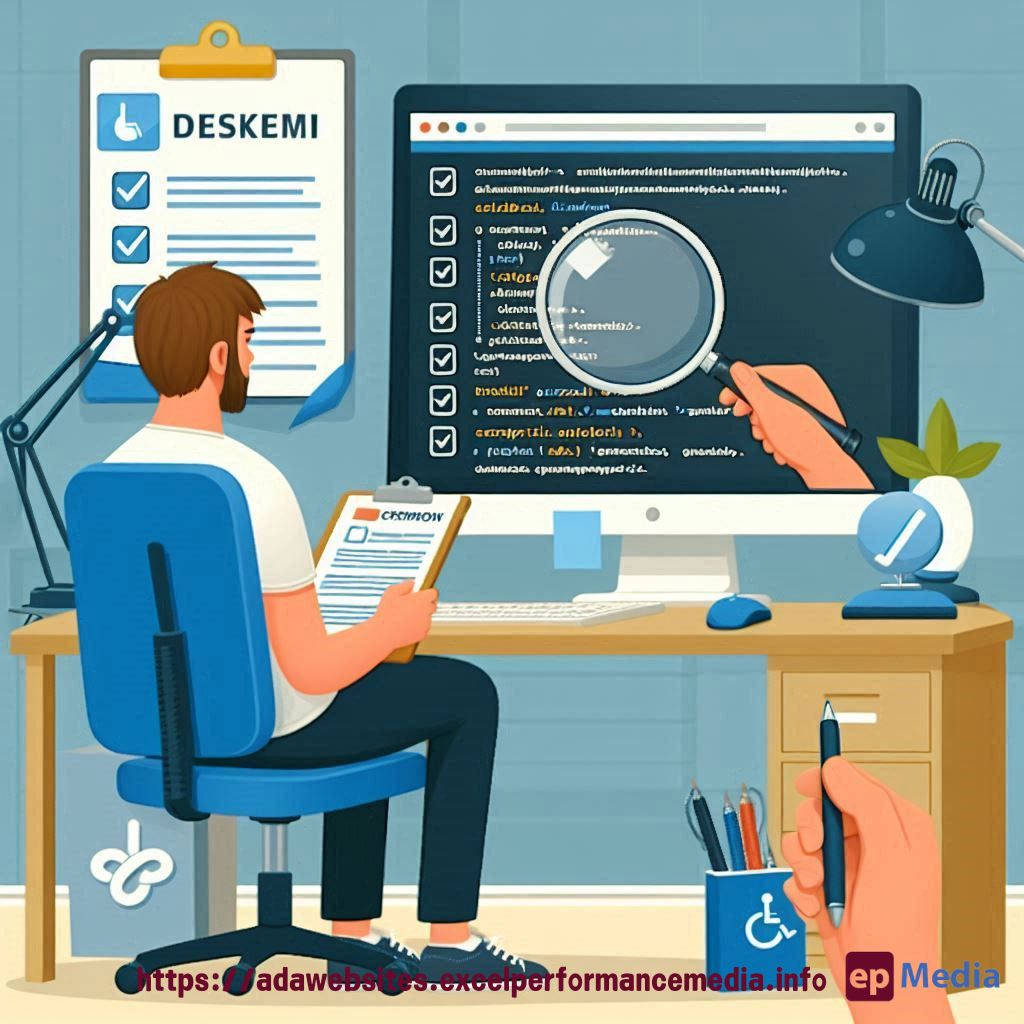
As someone who’s passionate about creating inclusive digital experiences, I know how important it is to ensure your web forms are fully accessible. That’s where Section 508 and the Americans with Disabilities Act (ADA) come into play.
You see, these laws exist to protect the rights of people with disabilities, and they apply to any organization that receives federal funding or has 15 or more employees. So whether you’re running a small business or a large enterprise, you need to make sure your online forms are up to par with ADA compliance for websites.
Here’s the thing – accessibility isn’t just about ticking boxes. It’s about creating an experience that works for everyone, regardless of their abilities. And when you get it right, you’ll not only be meeting legal requirements, but you’ll also be opening up your business to a whole new pool of potential customers.
So, let’s dive in and explore some practical tips for developing accessible web forms that truly shine.
Understanding the Basics of Section 508 and ADA Compliance
First things first, let’s get a quick refresher on what Section 508 and the ADA are all about. In a nutshell, they’re both laws that aim to ensure people with disabilities have equal access to digital content and services.
Section 508 focuses specifically on federal agencies and the technology they use, while the ADA is a broader civil rights law that applies to businesses and organizations of all sizes.
When it comes to web forms, the key requirements you need to keep in mind are:
– Providing text alternatives for any non-text content
– Ensuring that all functionality is available from a keyboard alone
– Making sure your forms are easy to navigate and understand
– Offering clear error messages and instructions
– Providing multiple ways for users to interact with your forms
Designing Accessible Web Forms: Practical Tips and Strategies
Okay, now that you know the basics, let’s dive into some specific strategies for creating accessible web forms. Here are a few tips to get you started:
Label Everything Clearly
Use clear, concise labels for your form fields, making it easy for users to understand what information you’re asking for. And don’t forget to include proper labeling for any required fields or error messages.
Optimize for Keyboard Navigation
Ensure that users can navigate through your forms using just their keyboard. This means providing clear focus indicators, logical tab order, and the ability to submit the form without a mouse.
Offer Multiple Input Methods
In addition to traditional text fields, consider including options like dropdown menus, radio buttons, and checkboxes. This gives users more flexibility in how they interact with your forms.
Provide Clear Error Handling
If a user submits an invalid entry, make sure to provide clear, helpful error messages that explain what went wrong and how to fix it.
Consider Assistive Technologies
Think about how users with screen readers, speech recognition software, or other assistive technologies might interact with your forms. Test your forms with these tools to ensure they work seamlessly.
FAQs
What is Section 508 compliance?
Section 508 is a federal law that requires all electronic and information technology developed, maintained, or used by the federal government to be accessible to people with disabilities.
What is the ADA and how does it relate to web accessibility?
The Americans with Disabilities Act (ADA) is a civil rights law that prohibits discrimination against individuals with disabilities in all areas of public life, including the digital realm. ADA guidelines for web accessibility are often used in conjunction with Section 508 requirements.
Why is it important to have accessible web forms?
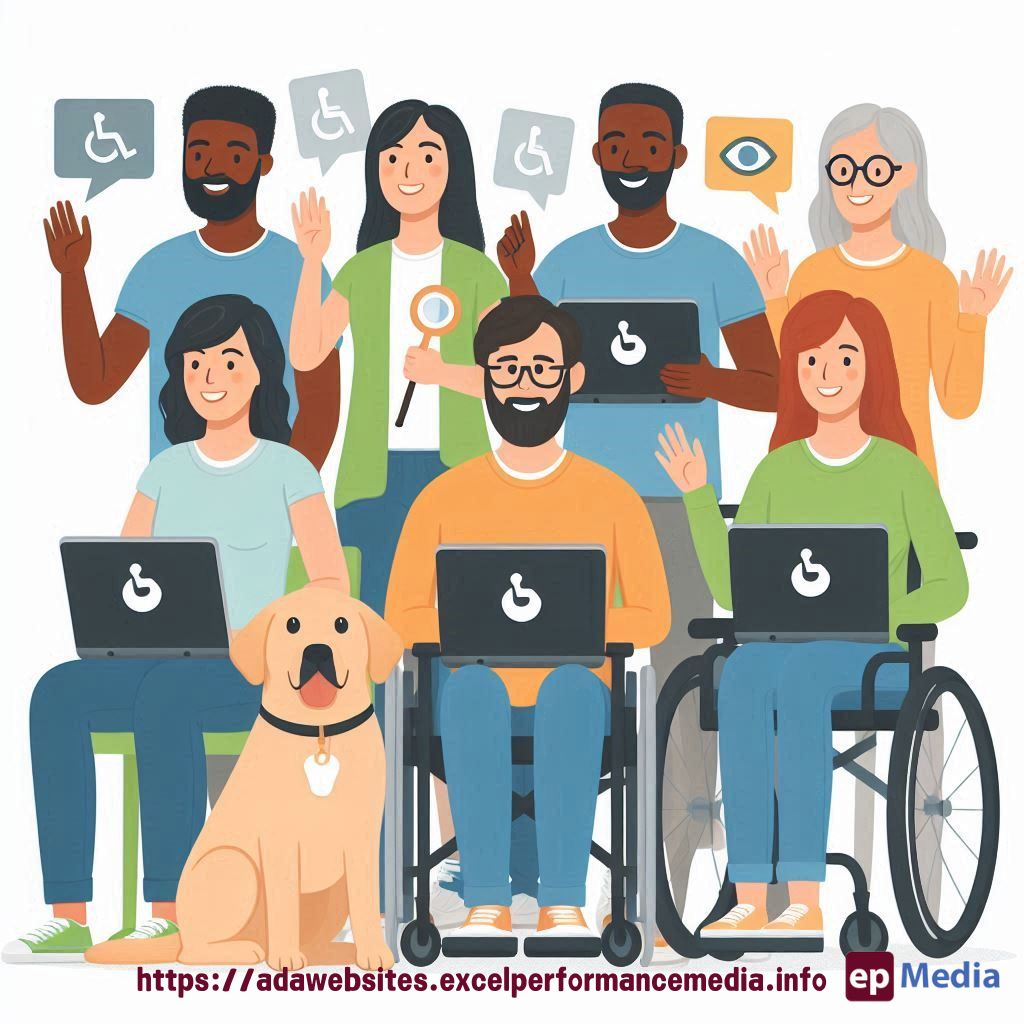
Accessible web forms ensure that everyone, regardless of their abilities, can easily and effectively interact with your online content and services. This not only benefits people with disabilities, but also improves the overall user experience for all of your website visitors.
Remember, the key to creating truly accessible web forms is to always put the user first. By focusing on clear communication, intuitive navigation, and inclusive design, you’ll be well on your way to mastering Section 508 and ADA compliance.
If you’re still feeling a bit unsure, don’t hesitate to reach out to our ADA compliance website services or explore some of the many online resources available. With a little effort and dedication, you can make your web forms shine for all users.
Section 508 ADA Web Accessibility
By embracing the principles of Section 508 and the ADA, you’re not just ticking boxes – you’re creating a more inclusive digital landscape that empowers everyone to engage with your business. When you prioritize accessibility, you open up endless possibilities for connecting with new customers, fostering stronger relationships, and driving real, sustainable growth. It’s a win-win for your organization and the community you serve.
https://adawebsites.excelperformancemedia.info/web-accessibility-for-developers/