
Designing for Web Accessibility: Tools Every Developer Needs
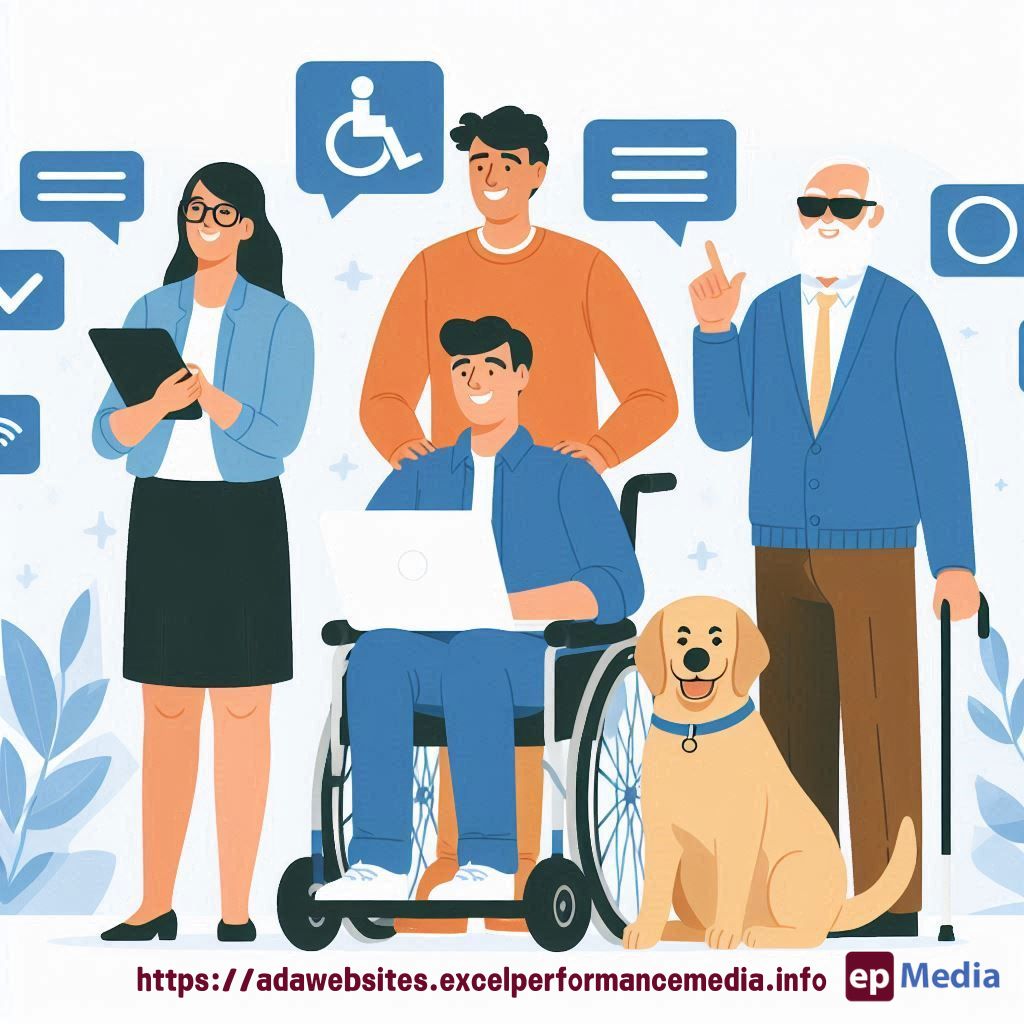
Ever wonder how some sites are a breeze to navigate while others are just a mess? If you’re anything like me, you’ve faced the frustration of making a site both user-friendly and accessible. And let’s be real – designing for web accessibility in terms of ADA compliance for websites is no walk in the park.
But here’s the kicker: It doesn’t have to be a nightmare.
I’m here to make sure you’ve got the right tools in your arsenal to design websites that everyone can use, no matter their abilities. So, let’s dive in.
Why Bother with Web Accessibility?
Before we get into the nitty-gritty, let’s tackle the obvious question.
Why should you care about web accessibility?
I mean, can’t people just adapt to the website you’ve designed?
Sure, until they can’t. Imagine you’re navigating a site and everything looks fine, but then you realise someone with visual impairments or motor disabilities can’t even get past the homepage.
Not cool, right?
Designing for web accessibility isn’t just about ticking boxes; it’s about making sure everyone has an equal chance to use your site. It’s also good for SEO and ensures you’re not on the wrong side of the law. So, yeah, it matters.
Top Tools for Designing for Web Accessibility
Let’s cut to the chase. Here are some of the best tools you can use to make sure your site is accessible to everyone.
- WAVE (Web Accessibility Evaluation Tool): This is your go-to tool for analysing web pages. WAVE provides visual feedback on the accessibility of your content. It’s like having a second pair of eyes on your work.
- axe DevTools: If you’re looking for something that integrates directly with your browser, axe DevTools is the way to go. It’ll catch accessibility issues right as you develop.
- Color Contrast Checker: Contrast is a big deal in web design. This tool ensures your text is readable against its background. No more squinting necessary.
- Screen Reader Software: Use NVDA (NonVisual Desktop Access) or VoiceOver for Mac to experience your website the way a visually impaired user would. This will give you insights that no automated tool can.
- Accessible Rich Internet Applications (ARIA): This isn’t exactly a tool, but rather a set of attributes that make your web content more accessible. ARIA allows you to build custom controls like sliders or drop-down menus that work with screen readers.
Making Accessibility Part of Your Workflow
Here’s the thing: tools are only as good as how you use them.
How do you actually integrate these into your day-to-day?
- Start with a checklist. Make accessibility checks a routine, not an afterthought.
- Use these tools early and often. Catch issues in the design phase rather than after launch.
- Get feedback. Test your site with real users, especially those with disabilities.
- Keep learning. Accessibility standards evolve, and so should your knowledge.
Remember, designing for web accessibility isn’t a one-and-done deal. It’s an ongoing process.
Common Challenges in Web Accessibility
Let’s keep it real – designing for web accessibility can be challenging.
Here are some common hurdles you might face:
- Complex Navigation: Making a complex site easy to navigate for everyone is tough. Keep your menus simple and consider keyboard shortcuts.
- Multimedia Content: Videos and audio need transcripts or captions. It’s extra work but necessary.
- Forms: Forms can be a nightmare. Use labels correctly and ensure they’re accessible via keyboard navigation.
When in doubt, put yourself in the user’s shoes. Would you be able to navigate your site if you had a visual or motor impairment?
If the answer is no, it’s time to go back to the drawing board.
FAQs on Designing for Web Accessibility
What is web accessibility?
Web accessibility means designing websites that can be used by everyone, regardless of their abilities or disabilities. It includes making sure people with visual, auditory, motor, or cognitive impairments can navigate and interact with your site.
Why is web accessibility important?
Web accessibility is crucial because it ensures that everyone, regardless of their abilities, can access and use your website. It’s also good for your SEO and helps you avoid legal issues.
What are some quick wins for improving web accessibility?
Some quick wins include improving colour contrast, adding alt text to images, making sure your site is navigable by keyboard, and using descriptive link text.
How can I test my website’s accessibility?
You can test your website’s accessibility by using tools like WAVE, axe DevTools, and screen reader software. It’s also a good idea to get feedback from users with disabilities.
Wrapping Up
Designing for web accessibility doesn’t have to be a headache. With the right tools and a bit of know-how, you can create a site that’s inclusive and user-friendly for everyone.
And remember, web accessibility isn’t just a trend—it’s a responsibility.
So, grab those tools, start testing, and make your site a place where everyone feels welcome. Or let our ADA compliance website services do it for you.
Because when it comes down to it, designing for web accessibility is about making the web a better place for all.
https://adawebsites.excelperformancemedia.info/web-accessibility-for-developers/