
Creating an Accessible Live Streaming Website: Your Ultimate Guide
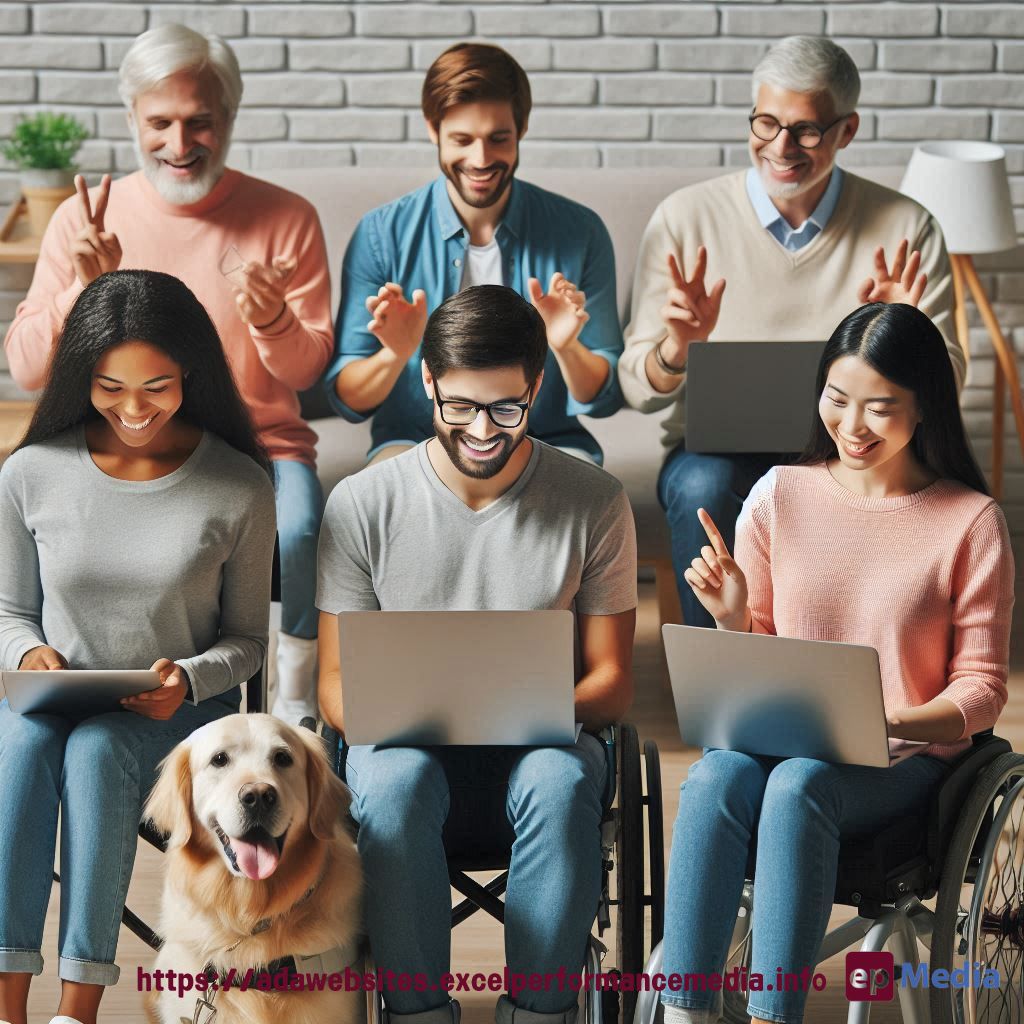
Ever wondered if your live streaming site is truly open to everyone?
You’re not alone.
I’ve been there, and let me tell you, building an accessible live streaming website can be a game-changer.
Let’s dive in and make this simple, shall we?
Why Accessibility in Live Streaming Matters
First off, let’s get real about why we’re even talking about this:
- 1 in 5 people have a disability – that’s a huge audience
- Accessible sites often perform better in search rankings
- It’s not just nice, it’s often a legal requirement
- You’re missing out on potential viewers if you’re not accessible
ADA compliance for websites not just about ticking boxes. It’s about opening doors for everyone.
Key Features of an Accessible Live Streaming Website
Here’s what you need to nail:
- Closed captions or subtitles
- Audio descriptions for visual content
- Keyboard navigation
- Screen reader compatibility
Think of it as making sure everyone’s invited to the party, no matter how they arrive.
Real-World Example: The Streaming Service Makeover
Let me share a quick story.
I worked with a small streaming service. They thought they were doing fine.
Then we ran some accessibility tests. Oh boy.
Here’s what we fixed:
- Added live captions to all streams
- Improved the color contrast of the player controls
- Made sure all buttons were labeled for screen readers
- Added keyboard shortcuts for essential functions
Result? Their viewership jumped by 30% in three months.
Tools to Test Your Live Streaming Site
Don’t just guess. Use these tools:
- WAVE (Web Accessibility Evaluation Tool)
- axe DevTools
- Lighthouse in Chrome DevTools
- Color Contrast Analyzer
These are like your Swiss Army knife for accessibility testing.
Common Accessibility Pitfalls in Live Streaming
Watch out for these:
- Auto-playing videos without user control
- Lack of volume control options
- Inaccessible chat features
- Poor contrast in video player controls
It’s not just about the content. The whole experience needs to be accessible.
Making Your Chat Feature Accessible
Don’t forget about interaction. Here’s how to make your chat accessible:
- Ensure keyboard navigation
- Make chat messages readable by screen readers
- Provide options to adjust chat speed
- Allow users to increase text size
Chatting should be fun for everyone, right?
The Business Case for Accessibility
Let’s talk money.
Investing in an accessible live streaming website isn’t just about being nice.
It’s about:
- Expanding your audience
- Improving user engagement
- Boosting your SEO
- Avoiding potential lawsuits
It’s not a cost. It’s an investment with real returns.
Getting Started: Your Action Plan
Ready to make your site accessible? Here’s your first steps:
- Audit your current site with accessibility tools
- Prioritize the most critical issues
- Start with quick wins like adding captions
- Get feedback from users with disabilities
Remember, progress beats perfection. Start small, but start today.
FAQ
How much does it cost to make a live streaming site accessible?
It varies, but many improvements can be made with existing resources. Start small and scale up.
Do I need to provide live captions for every stream?
Ideally, yes. But if resources are tight, start with your most popular content and expand from there.
Can I just use automatic captions?
Automatic captions are a start, but they’re often inaccurate. Human-generated captions are best for important content. Our ADA compliance website services can help you with that.
Will making my site accessible slow down my streams?
Not significantly. Modern accessibility features are designed to be lightweight and efficient.
Wrapping It Up
Creating an accessible live streaming website isn’t just about compliance.
It’s about building a platform that truly welcomes everyone.
Remember, an accessible live streaming website isn’t a luxury – it’s a necessity in today’s digital world.
Let’s make the web a place where everyone can enjoy live content, regardless of their abilities.
https://adawebsites.excelperformancemedia.info/making-multimedia-accessible/