
Case Studies of Accessible Multimedia Web Design: Real-World Examples That Work
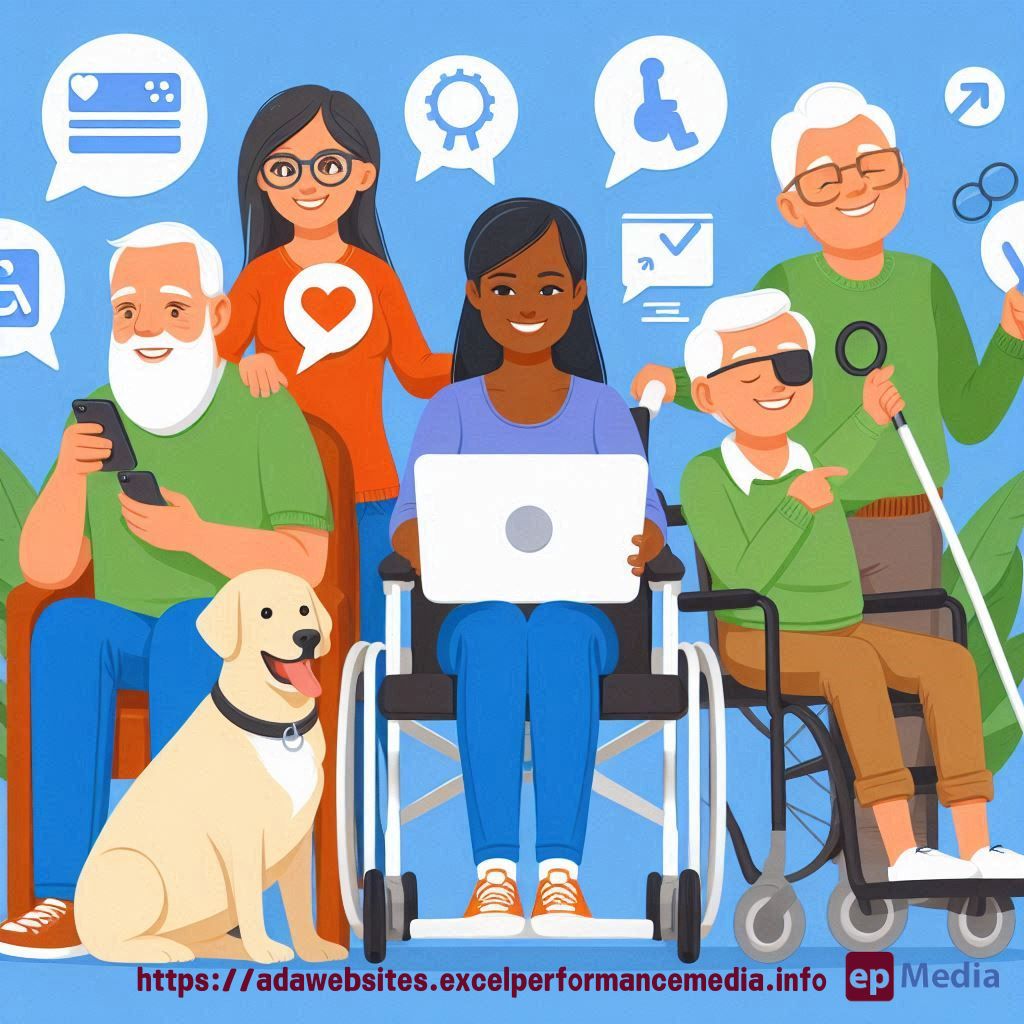
Ever wondered how to make your website’s multimedia content accessible to everyone? You’re not alone.
I’ve been diving deep into this topic, and I’m excited to share some eye-opening case studies with you.
Let’s cut through the noise of ADA compliance for websites and get straight to the good stuff.
Why Accessible Multimedia Matters
First off, let’s get real – if your site’s multimedia isn’t accessible, you’re shutting out a huge chunk of potential users.
We’re talking about:
- People with visual impairments
- Folks with hearing difficulties
- Users with cognitive challenges
- Anyone using assistive technologies
It’s not just about being inclusive (though that’s huge). It’s about expanding your reach and boosting your SEO.
Case Study 1: BBC’s Accessible Video Player
The BBC knocked it out of the park with their accessible video player.
Here’s what they did right:
- Keyboard controls for all functions
- High-contrast colour scheme
- Customisable caption settings
- Audio description tracks
Result? A massive boost in engagement from users with disabilities.
Case Study 2: Spotify’s Screen Reader-Friendly Interface
Spotify’s not just for the sighted crowd.
They’ve made some killer moves:
- Clear, descriptive labels for all controls
- Logical tab order for keyboard navigation
- Alternative text for album art
- Consistent layout across platforms
Users with visual impairments can now groove just like everyone else.
Case Study 3: YouTube’s Auto-Generated Captions
YouTube’s auto-captions aren’t perfect, but they’re a game-changer.
Here’s the lowdown:
- Machine learning to generate captions
- User-friendly caption editor
- Multiple language support
- Option to upload custom captions
It’s opened up a world of content for deaf and hard-of-hearing viewers.
Key Takeaways for Your Site
So, what can you learn from these big players?
- Prioritise keyboard accessibility
- Offer customisation options
- Provide alternatives (captions, transcripts, audio descriptions)
- Test with real users and assistive technologies
Remember, accessible design isn’t just a nice-to-have. It’s essential.
FAQ
How much does it cost to make multimedia accessible?
It varies, but many solutions are low-cost or free. Start small and scale up.
Will accessible design hurt my site’s aesthetics?
Not at all. Good accessible design often improves the look and usability for everyone.
Do I need to make all my old content accessible?
Ideally, yes. But start with your most popular content and work backwards.
Can I automate accessibility features?
Some aspects can be automated, like YouTube’s auto-captions. But human review is crucial for accuracy.
Wrapping It Up
Accessible multimedia web design isn’t just a buzzword – it’s a necessity in today’s digital landscape.
These case studies show it’s not only possible but can lead to some seriously impressive results.
So, what are you waiting for? Time to make your multimedia content sing for everyone. If you don’t have that time, consider outsourcing to our ADA compliance website services.
Remember, when it comes to case studies of accessible multimedia web design, the possibilities are endless. Let’s make the web a more inclusive place, one site at a time.
https://adawebsites.excelperformancemedia.info/making-multimedia-accessible/